
Your Auditly Guide
Everything you need to get started with Auditly — simple, guided, and stress-free.
Onboarding Guide
Welcome to Auditly — your smart and simple way to create NDIS-compliant policies.
Follow the steps below to complete your onboarding and access your personalised compliance documents.
Step 1: Start Your Onboarding
Click Start Onboarding on your dashboard to begin. Each field is required to make sure the policies generated for you are accurate and specific to your organisation.
Tip: Have your NDIS registration information ready — this helps Auditly determine your registration group and required policies.
Step 2: Complete Each Section
Auditly will guide you through several short sections designed to collect key details about your organisation, such as:
- Registration group
- Services and supports delivered
- Organisational structure
- Key roles and structure
- Branding
Fill in each section carefully, then click Next or Continue to proceed.
You can go back anytime to review or edit your answers before finalising.
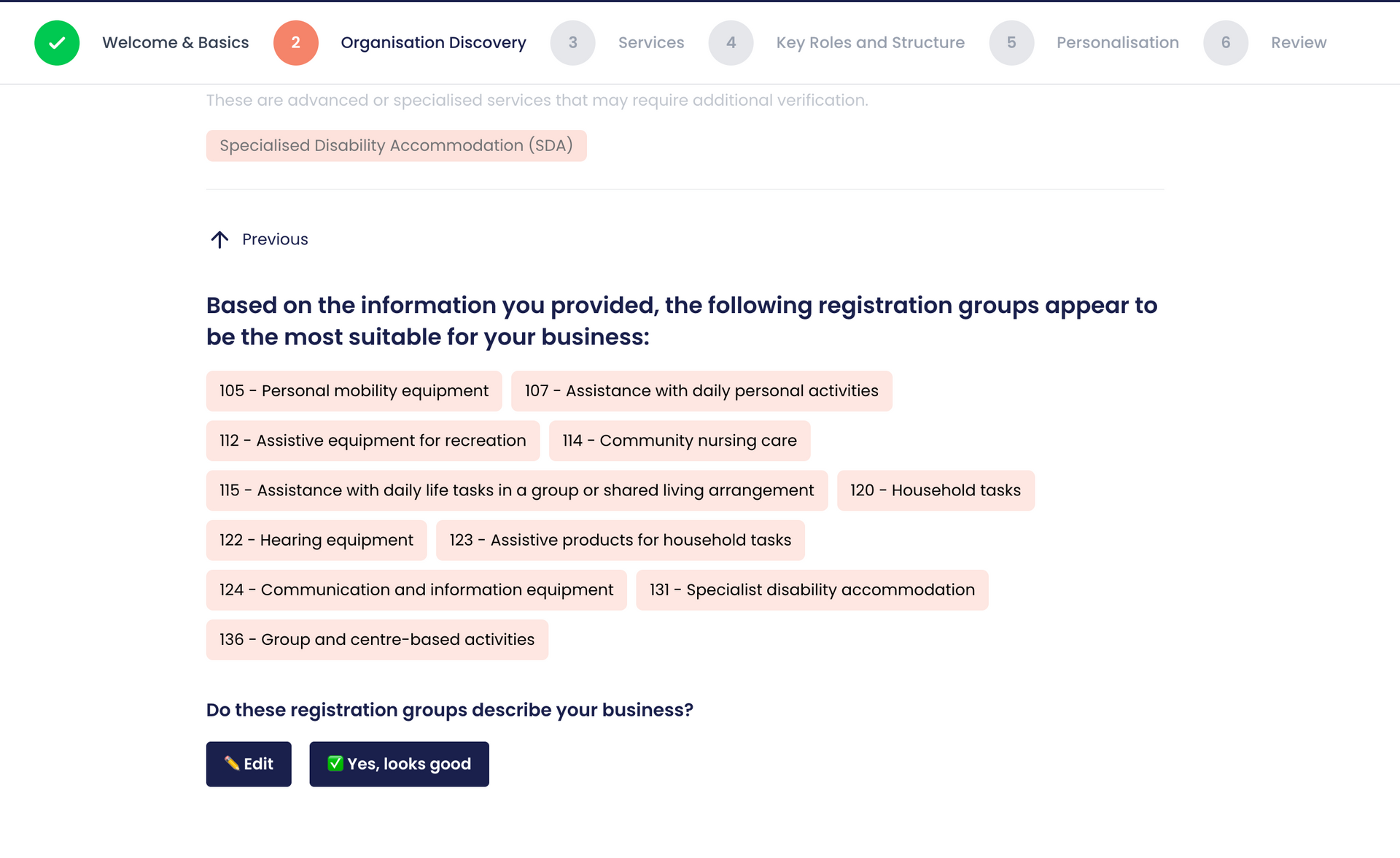
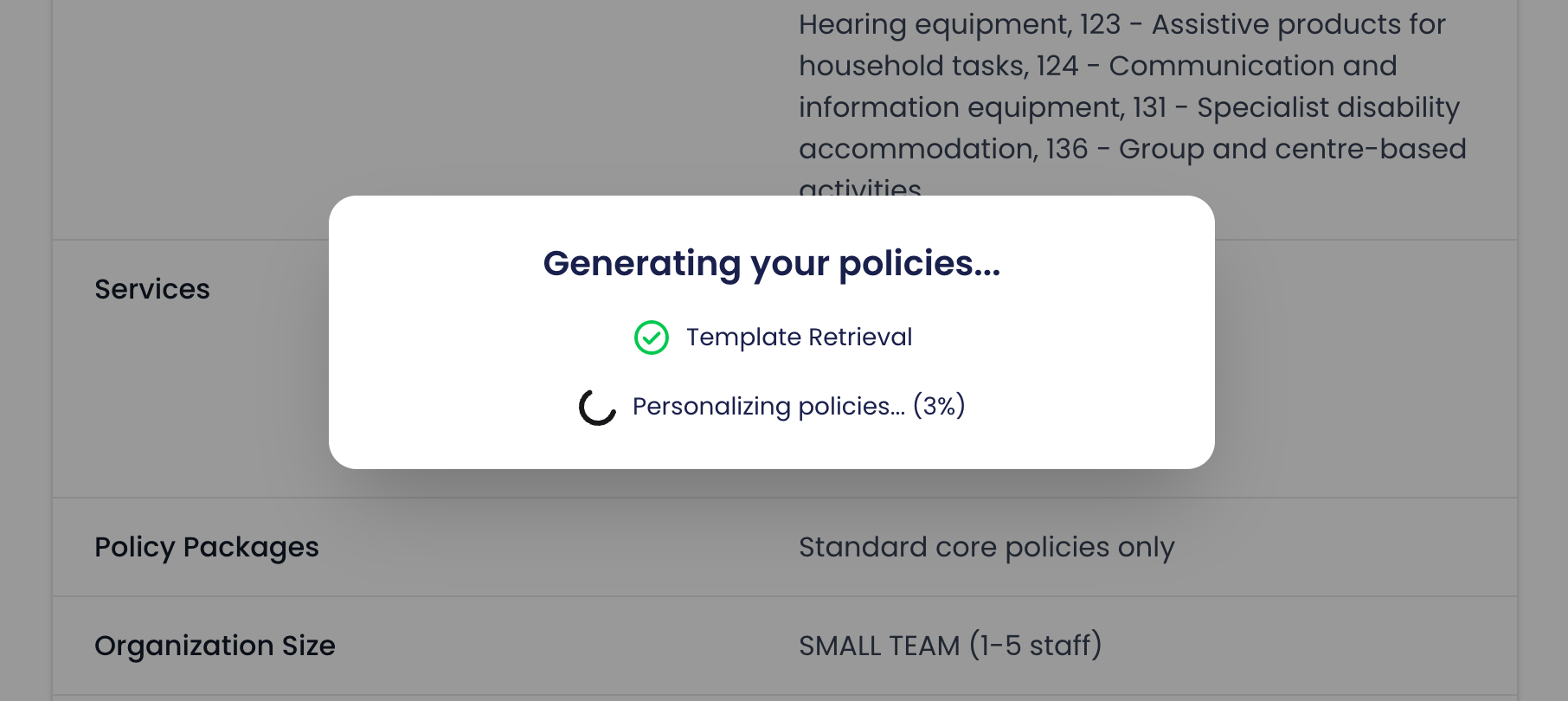
Step 3: Policy Generation
After completing onboarding, Auditly will automatically:
- Identify your registration group
- Match the relevant NDIS Practice Standards
- Generate your customised policies and procedures
All policies are tailored based on your inputs, ensuring compliance and relevance to your operations.
Step 4: Review and Payment
Once onboarding is complete, you’ll be redirected to a payment page.
You can choose to:
- Proceed with payment to instantly access and download your policies, or
- Skip payment for now — Auditly will securely store your data for 30 days. You can return anytime within that period to finalise payment and unlock your documents.
Step 5: Access Your Policies
After successful payment, your generated policies will appear in your 'Policies' page. You’ll be able to:
- View or download your policies
- Edit each policy
- Revisit your onboarding details if needed
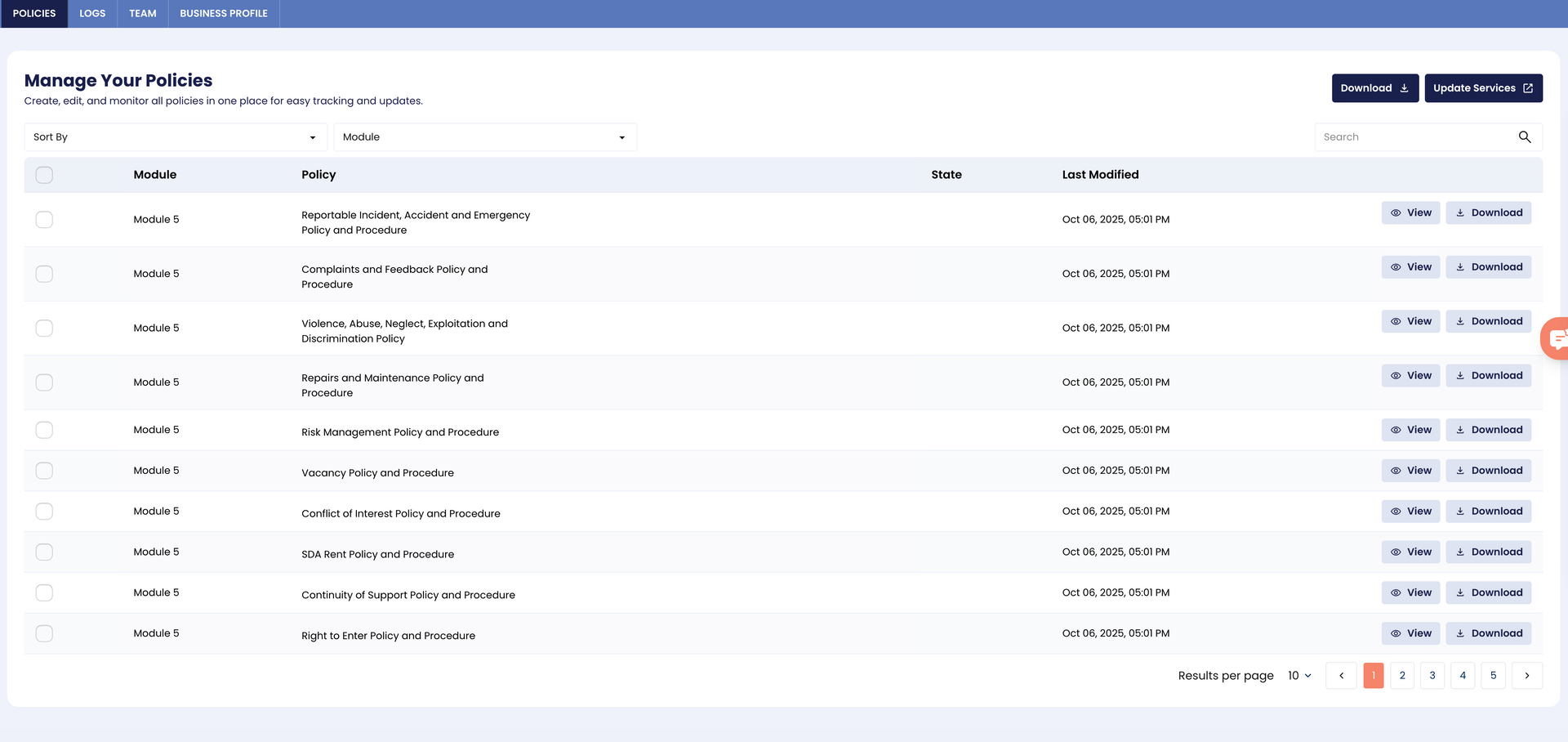
Policy Management
This is where all your
generated and paid policies appear after completing your onboarding and payment.
From here, you can easily
view,
download, and
update your documents to keep them aligned with your organisation’s current operations.
View Your Policies
Click View beside any policy to open it directly within Auditly.
You can read through your documents at any time and ensure that your information remains current and accurate.
Download Policies
Need a copy? You can:
- Download individual policies for your records or staff use.
- Bulk download all your policies in one click for easier storage or printing.
All downloaded policies are in a ready-to-use, compliant format.
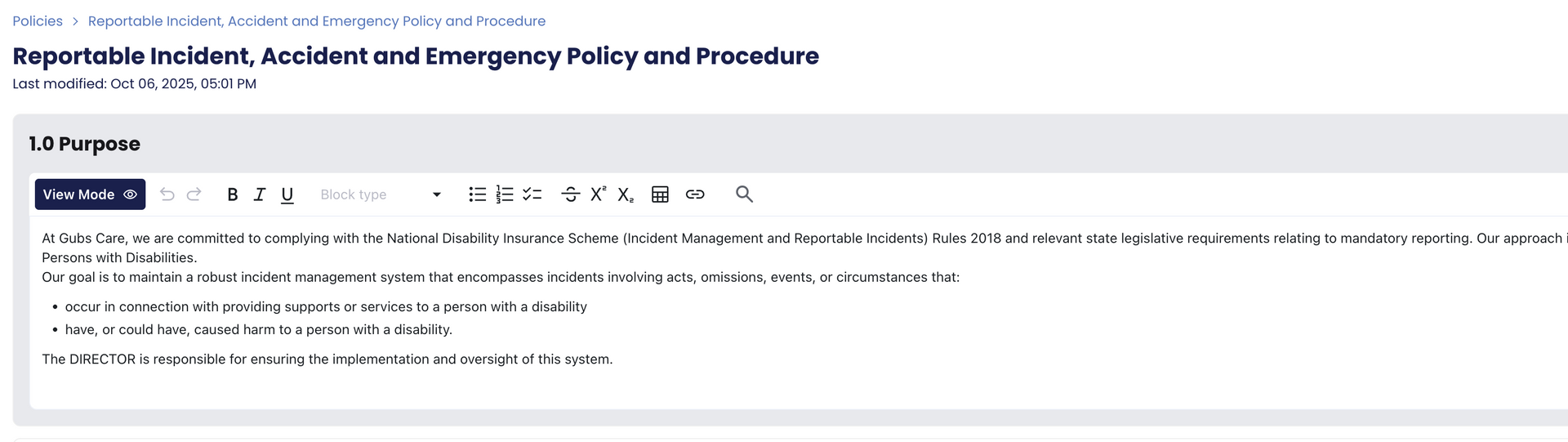
Edit Mode
If you need to make changes to your policies, click Enter Edit Mode.
This feature allows you to:
- Update organisation-specific details (e.g., names, contact info, processes)
- Adjust wording or sections to reflect internal procedures
- Save and export the updated version once done
Your edits are securely stored in Auditly, so you can revisit or refine them anytime.
Staying Compliant
Remember, Auditly keeps your documents compliant with the
latest NDIS Practice Standards.
You can always revisit onboarding if your
registration group or
service modules change — ensuring your policies evolve with your business.
Need Guidance?
For explanations on how to use and apply each policy in practice, visit our
Policy Guide page — curated by
Tania Gomez Consulting (TGC).
It provides detailed context and implementation tips for every policy in your dashboard.